Rule-based routing
The default Config mode routes by rules. Start there every day. Do not jump to global first.
Proxy client for iPhone / iPad
Shadowrocket is a rule-based client. The App Store sells software for importing a subscription and routing by rules. It does not include servers. Ask your provider for those.
Official download and first setup are in Get Started. Adding a subscription and connection fixes are in the tutorial and blog.
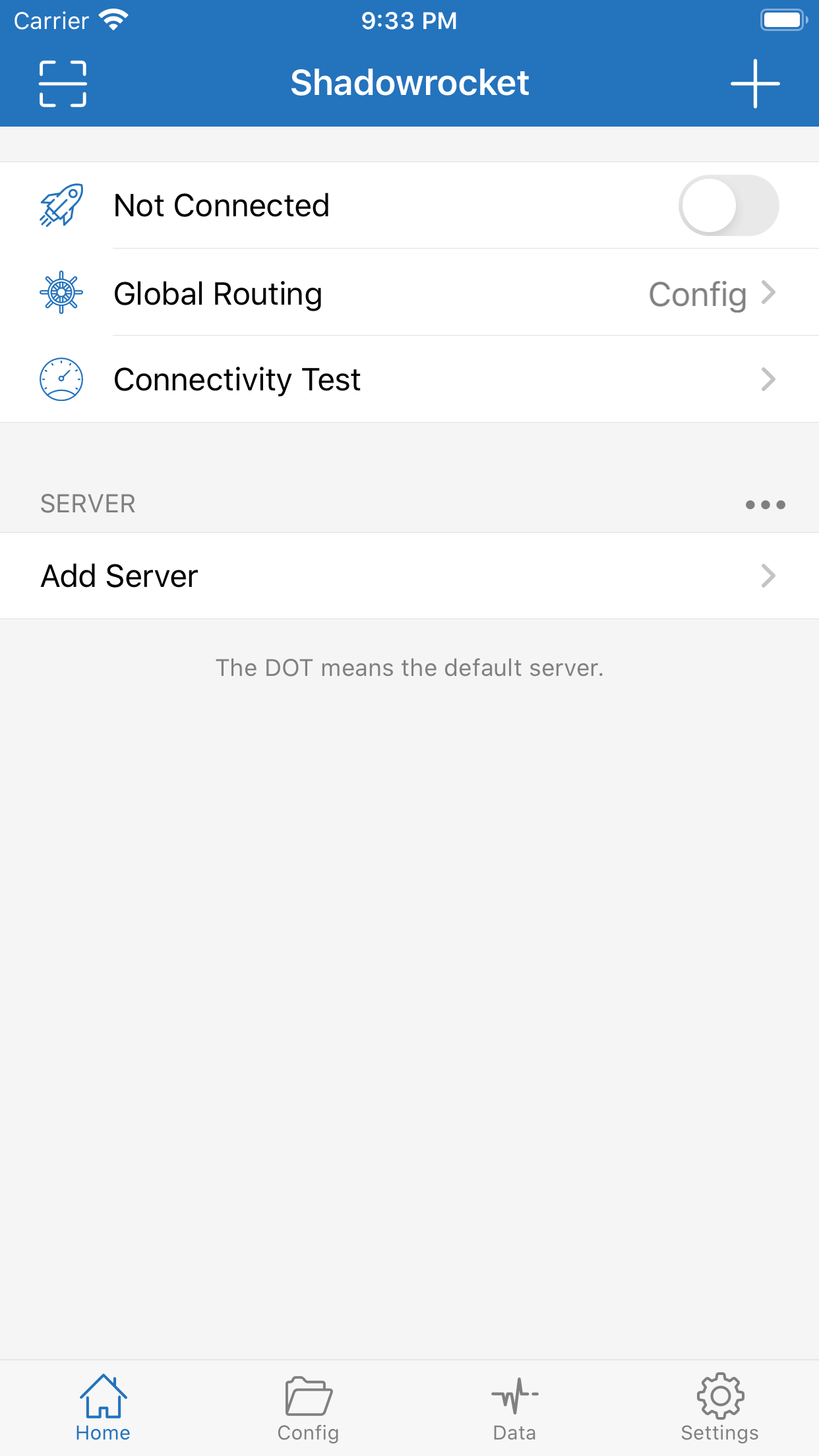
The client creates a VPN configuration on the device, imports servers, and decides by rules where traffic goes. Whether the remote server works is your provider's responsibility. A fuller explanation is on About.
The default Config mode routes by rules. Start there every day. Do not jump to global first.
A subscription, a QR code, or typed protocol, address, port, and password. Materials come from your provider. This site does not provide them.
Config / Proxy / Direct. Use Direct to compare whether the problem is the network or the server.
A VPN icon in the status bar only means the tunnel is up. It does not guarantee the site will open.
These are the items people mix up most. More answers are in the FAQ.
No. The one-time fee covers the client only. Ask your provider for servers and data.
Availability differs by storefront. Search again with an Apple ID registered for another region. The checklist is on the download page. Do not install from a file host.
The official client is for iOS and iPadOS. Android needs software for that platform.
It only means the tunnel is up. Switch to Direct first: if Direct also fails, check the phone network; if Direct works, change servers.
Export on the Data tab, or save the subscription URL. Install the official app on the new device, then import. Old servers may no longer work.
No. This is a static site. There is no sign-in and no proxy.